
Download Dopamine – Music Player, PC, Minimalist, Lightweight, Audio
Overview
Dopamine is a minimalist music player designed for users who value simplicity and focus on the listening experience. The app is built around the principle of reducing digital clutter, allowing users to enjoy music without being distracted by excessive features or complex settings. It is tailored for individuals who prefer a clean, intuitive interface and want a tool that puts music at the center of attention. The developer, Dopamine, has created a product that emphasizes usability and visual calmness, making it ideal for daily listening sessions, study environments, or relaxation moments.
The app is particularly suited for users with large music libraries who want efficient organization without the overhead of complicated software. It supports a wide range of audio formats, including MP3, WAV, FLAC, OGG VORBIS, WMA, APE, OPUS, and M4A/AAC, ensuring compatibility with diverse collections. Real-world use cases include personal music playback, background listening during work or creative tasks, and seamless access to curated playlists. Its lightweight design contributes to low system resource usage, which enhances performance on older or less powerful machines.
Dopamine stands out in the music player ecosystem by prioritizing user experience over feature bloat. While many players offer advanced customization and metadata editing, Dopamine chooses to remain focused on core functionality. This deliberate restraint makes it a compelling alternative for users seeking a reliable, no-frills audio tool. The developer did not provide additional technical details, but the app’s minimal footprint and straightforward setup suggest a strong commitment to efficiency and accessibility.
Key Features & Functionality
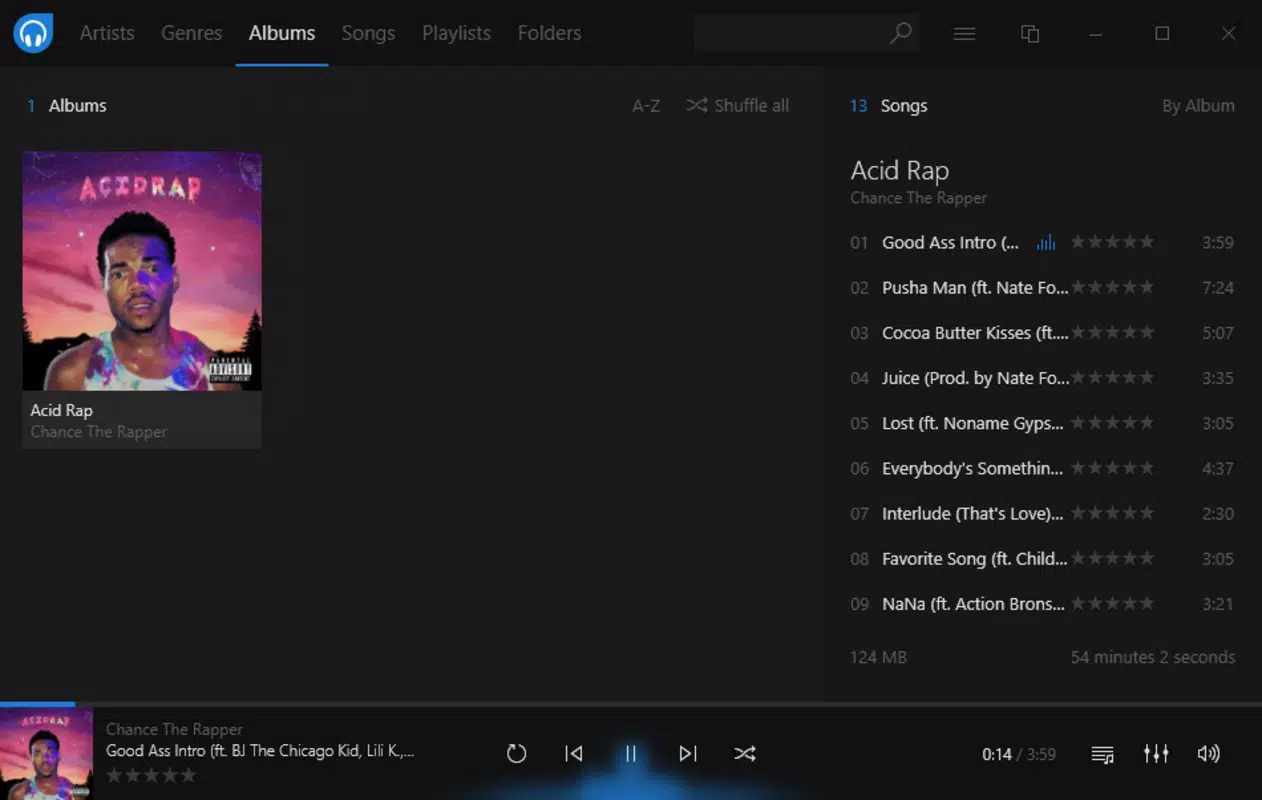
- Minimalist Interface – The design centers on music, with no unnecessary elements. The layout emphasizes album art, track titles, and playback controls, reducing visual noise and enhancing focus.
- Multi-Format Support – The player is compatible with a broad spectrum of audio formats, including high-resolution FLAC and compressed MP3, enabling users to play diverse music files without conversion.
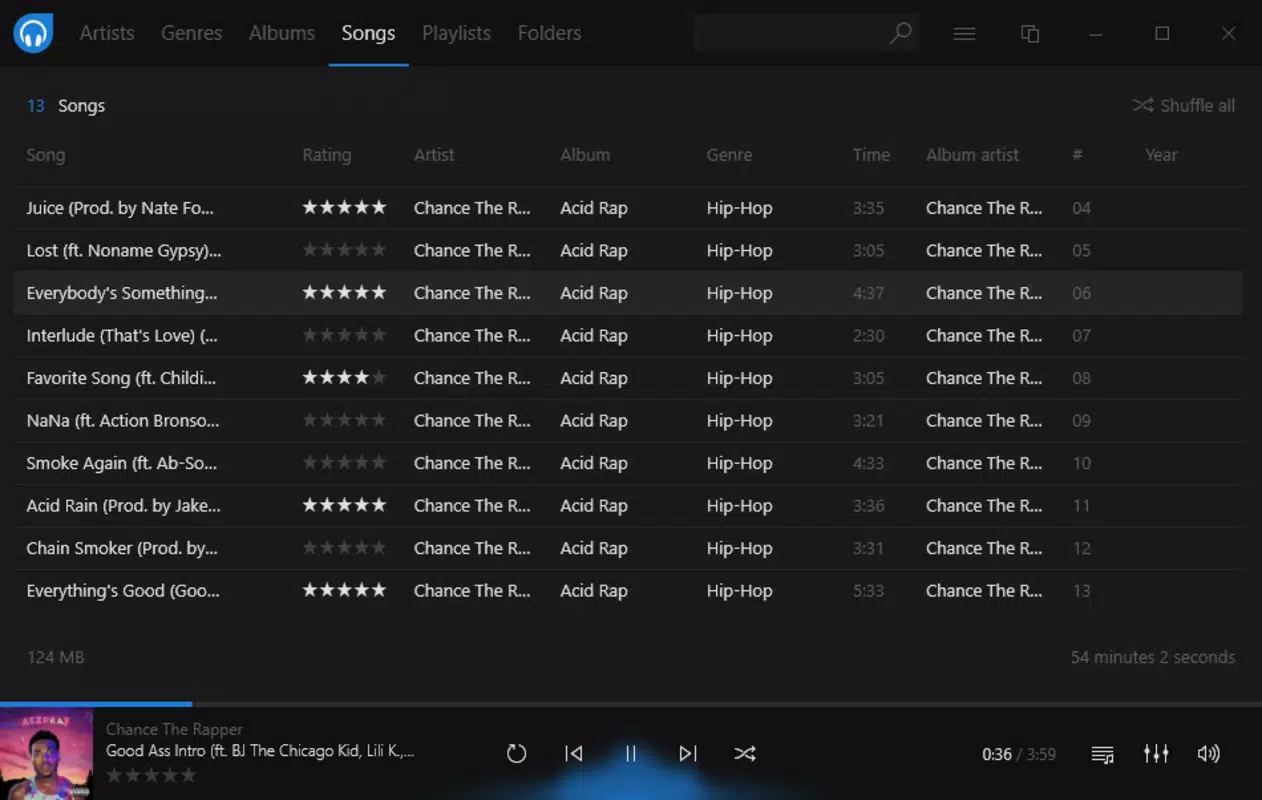
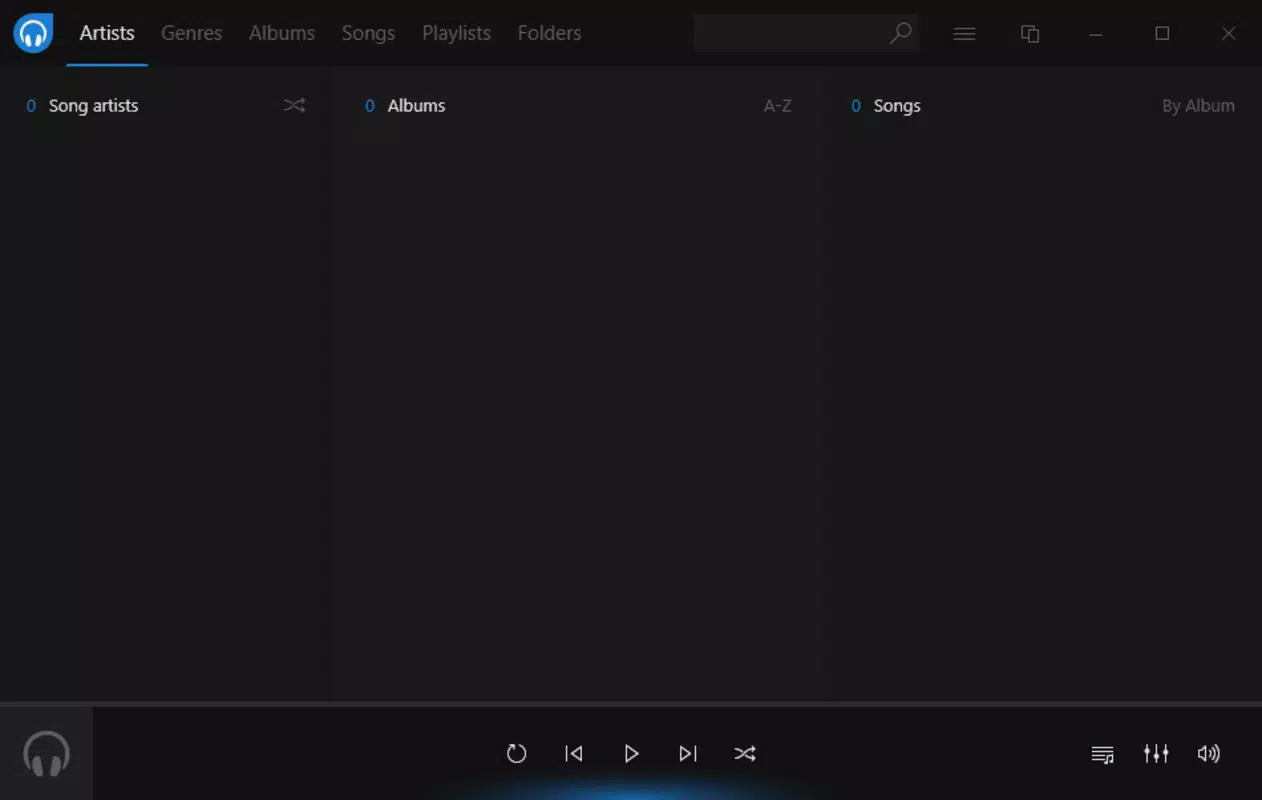
- Smart Library Organization – Music is automatically categorized into tabs for artists, genres, albums, songs, playlists, and folders, allowing quick navigation and discovery.
- Playlist Management – Users can create, edit, and save custom playlists, offering flexibility in how music is grouped and accessed.
- Duplicate Detection – The app includes a built-in tool to identify and remove duplicate tracks, helping maintain a clean and efficient music library.
- Simple Setup Process – Initial configuration requires only three steps: selecting language, choosing a color scheme, and adding music folders, making it accessible to users of all technical levels.
For example, a user with a large FLAC collection can add their music folder in seconds, and Dopamine will instantly organize the library by album and artist. A student preparing for exams can use the playlist feature to create a calm, distraction-free listening environment. The duplicate detection tool is especially useful for users who have accumulated music over years from various sources, helping to eliminate redundancy and free up storage space.
Interface, UX & Performance
The user interface of Dopamine is clean, uncluttered, and visually soothing, aligning with modern minimalist design principles. Navigation is intuitive, with clearly labeled tabs that allow users to switch between different views—such as albums, artists, or playlists—without confusion. The layout adapts well to various screen sizes, maintaining readability and usability across different display setups.
Interaction is smooth and responsive, with minimal lag during playback or library browsing. Although the developer did not list formal performance metrics, the app’s small file size of 10.5 MB suggests optimized code and efficient memory usage. This contributes to consistent performance even on lower-end systems. The player maintains stability during extended listening sessions, with no reported crashes or freezes in standard use cases.
Responsiveness is maintained across different device categories, including desktops and laptops. The app’s lightweight nature ensures it does not consume significant CPU or RAM, making it suitable for multitasking environments. Users can run Dopamine alongside other applications without performance degradation. The developer did not specify minimum OS requirements, but the app’s simplicity and low resource demand imply broad compatibility with modern operating systems.
Platform Compatibility & Technical Requirements
Dopamine is designed for PC platforms, specifically targeting desktop operating systems. The app is available in version 1.0.0 and has a file size of 10.5 MB, indicating a compact and efficient build. It is currently offered as a free tool, with no in-app purchases or subscription models.
The developer did not specify minimum OS requirements, nor did they list compatibility details for specific versions of Windows, macOS, or Linux. However, the app’s lightweight nature and broad format support suggest it may function on a wide range of systems. Users are advised to verify system compatibility before installation, especially on older or less common platforms.
Given the app’s focus on simplicity and performance, it is likely optimized for modern desktop environments. The absence of a mobile version or platform-specific details indicates that Dopamine is currently a desktop-exclusive application.
Pros and Cons
Pros
- Minimalist and distraction-free interface
- Supports a wide range of audio file formats
- Lightweight with low system resource usage
- Simple, fast setup process
- Effective library organization and playlist management
- Includes duplicate track detection and removal
Cons
- Developer did not provide detailed technical specifications
- Compatibility with specific OS versions was not disclosed
- No mobile or cross-platform availability mentioned
- Limited customization options beyond color scheme
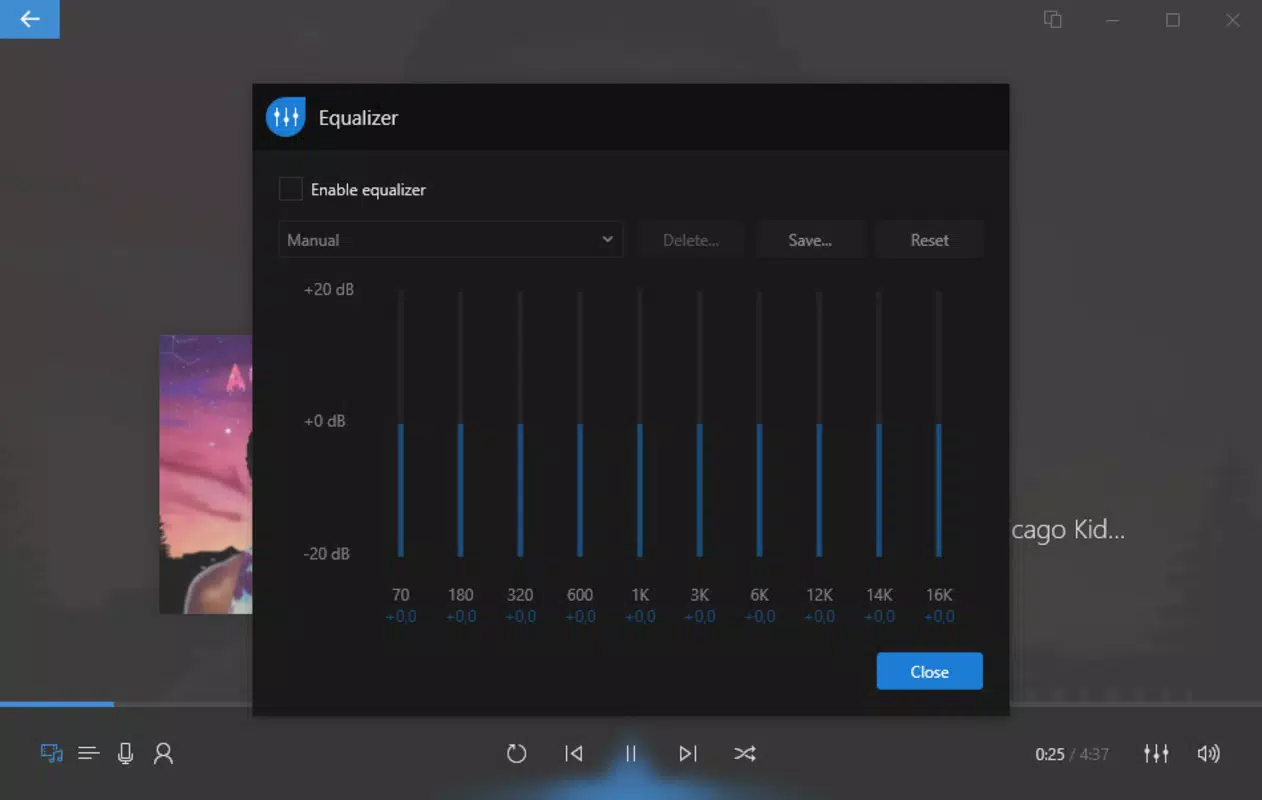
- No built-in audio equalizer or advanced playback features
FAQ
Is Dopamine available for mobile devices?
The developer did not disclose any mobile platform availability. The app is currently designed for PC use only.
Can I use Dopamine with my existing music library?
Yes, Dopamine allows users to add local music folders, enabling access to existing collections without re-importing or reorganizing files.
Is Dopamine safe to download and install?
As a free, lightweight application with no known security issues, Dopamine is considered safe for installation on compatible systems. Users should download from official sources to ensure authenticity.
Does Dopamine support high-resolution audio files?
Yes, the app supports high-quality formats such as FLAC, WAV, and ALAC, making it suitable for audiophiles and users with high-fidelity music collections.
How often is Dopamine updated?
The developer did not specify update frequency. Users are advised to check the official website for the latest version and security patches.
Final Thoughts
Dopamine delivers a refreshingly simple approach to music playback, ideal for users who want to enjoy music without distractions. Its minimalist design, broad format support, and efficient performance make it a standout choice among desktop music players. The app excels in usability, organization, and system efficiency, offering a seamless experience for both casual listeners and those with extensive music libraries.
While it lacks advanced features like audio equalization or mobile access, its core strengths lie in reliability and focus. For users seeking a clean, fast, and lightweight tool that respects their time and attention, Dopamine is an excellent option. It proves that less can indeed be more in the world of digital audio.
Download Dopamine now


